If you use our mobile app (Android, Apple) you will be familiar with our push notifications - they allow us to send out a little update to all of our app users, letting them know about breaking news and other big stories, all according to their news preferences.
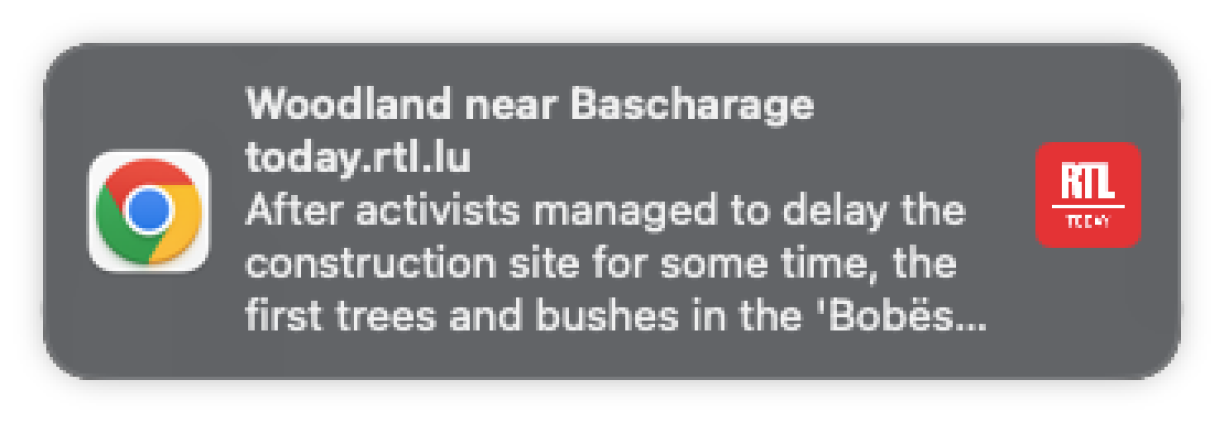
Webpush is very similar, but works via your internet browser (on computers and Android devices for the time being, with the functionality soon to be available via Apple mobile devices too). If you accept the function - and we have more detail on how it all works below, and how to customise it - you will receive a litte notification on the side of your screen when we publish a new story that we think would interest you.
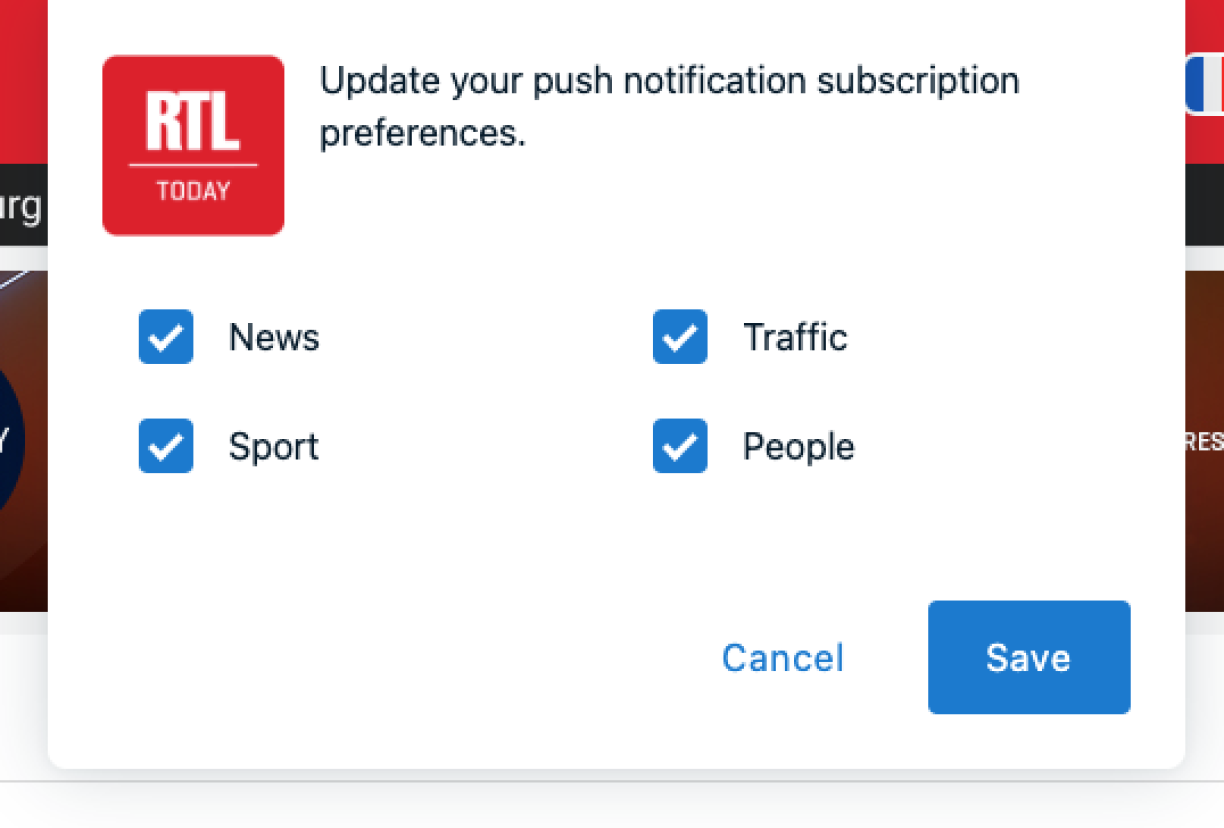
Over the next few weeks, you will get a notification when you visit our website, asking you to select your Webpush preferences. You can choose between a series of news categories to subscribe to, and will only get Webpush notifications for the categories you have selected. If you would rather not get any notifications at all, simply uncheck all the boxes and hit save.
And.. that's it! You're all done.
Whether you want to add additional categories to your Webpush selection, or unsubscribe from some or all of them, that control always lies with you. To change your settings, all you have to do is scroll right to the bottom of our website, where you will find a series of options (contact us, terms, privacy policy, cookie settings, etc.) including a new 'Webpush notifications' option.
Clicking on that will open the above settings window, and you can change your preferences at any time.
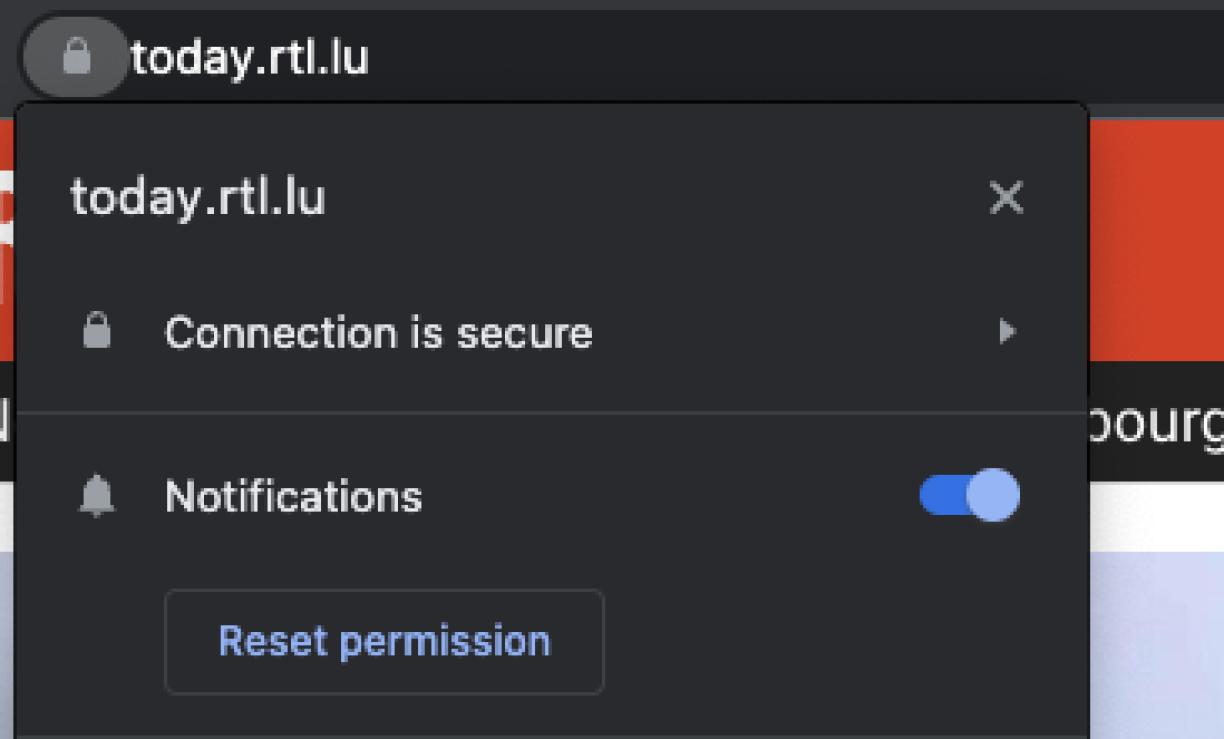
If you want to block our (or any other site's) webpushes altogether, the second option is to click the padlock symbol to the left of the URL in your browser, and disable notifications (see below).